
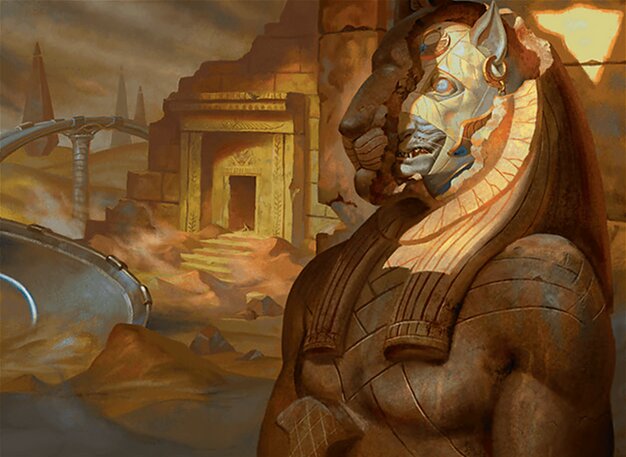
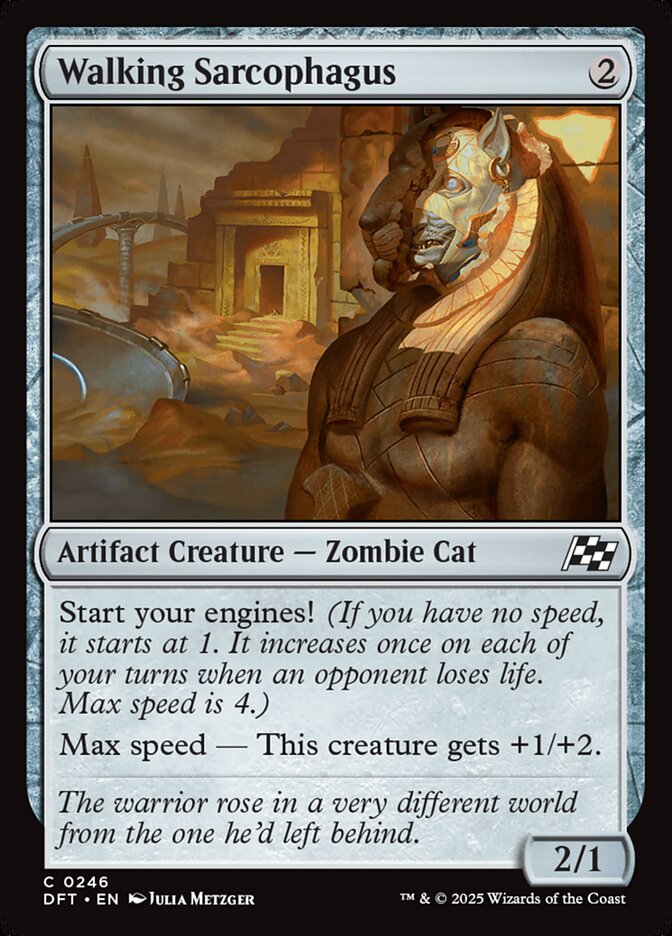
Walking Sarcophagus is one of those cards players keep asking about. Here is, in plain words, what its official text says, the rulings published by Wizards of the Coast, and the combos players actually run.
Official card text
Start your engines! (If you have no speed, it starts at 1. It increases once on each of your turns when an opponent loses life. Max speed is 4.) Max speed — This creature gets +1/+2.
Complete guide
Walking Sarcophagus is an intriguing addition to your deck, bringing the new 'speed' mechanic into play for a low mana cost. This Zombie Cat not only shifts gears as your opponents take damage but also becomes a sturdier threat once you reach the finish line. Understanding how to manage your speed is key to maximizing this artifact creature's potential.
What it Does
Walking Sarcophagus introduces the 'Start your engines!' keyword. As soon as you control this permanent, if you don't already have a speed value, your speed becomes 1. While your speed is at the maximum value of 4, the Sarcophagus receives a static buff of +1/+2, transforming it from a 1/1 into a 2/3 blocker or attacker.
How it Resolves Step by Step
First, when Walking Sarcophagus enters the battlefield and you have no speed, a state-based action immediately sets your speed to 1. Second, once per turn on your turn, if an opponent loses life, a triggered ability increases your speed by 1. This process repeats until you reach a max speed of 4, at which point the '+1/+2' bonus continuously applies as long as you maintain that speed.
Common Mistakes
A common misconception is that losing your Walking Sarcophagus will reset your speed. However, speed is tracked by the player; once your engine is started, losing the creature does not lower your speed. Additionally, remember that you can only increase your speed once per turn, regardless of how many different opponents lose life or how many times they lose it.
When to Play it
This card is best played early in the game to start your engine as quickly as possible. Since the speed increase only happens on your turn when opponents lose life, you want to ensure you have consistent ways to chip away at their health total to reach max speed by turn four or five.
Interaction examples
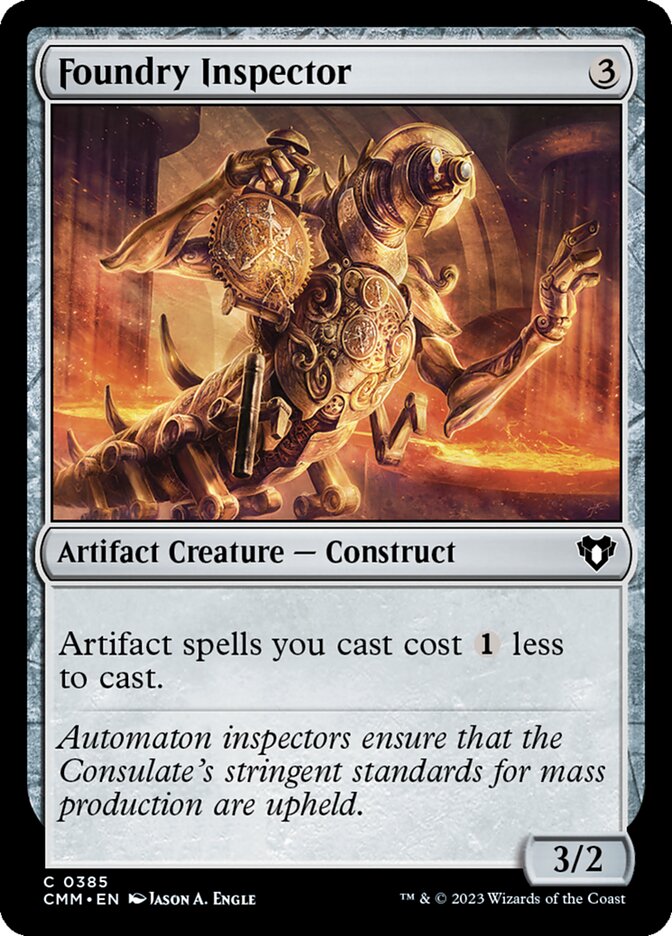 Foundry Inspector
With Foundry Inspector on the battlefield, the cost to cast Walking Sarcophagus is reduced to just one generic mana. This allows you to start your engine even earlier in the game, potentially reaching max speed before your opponent has established their defense.
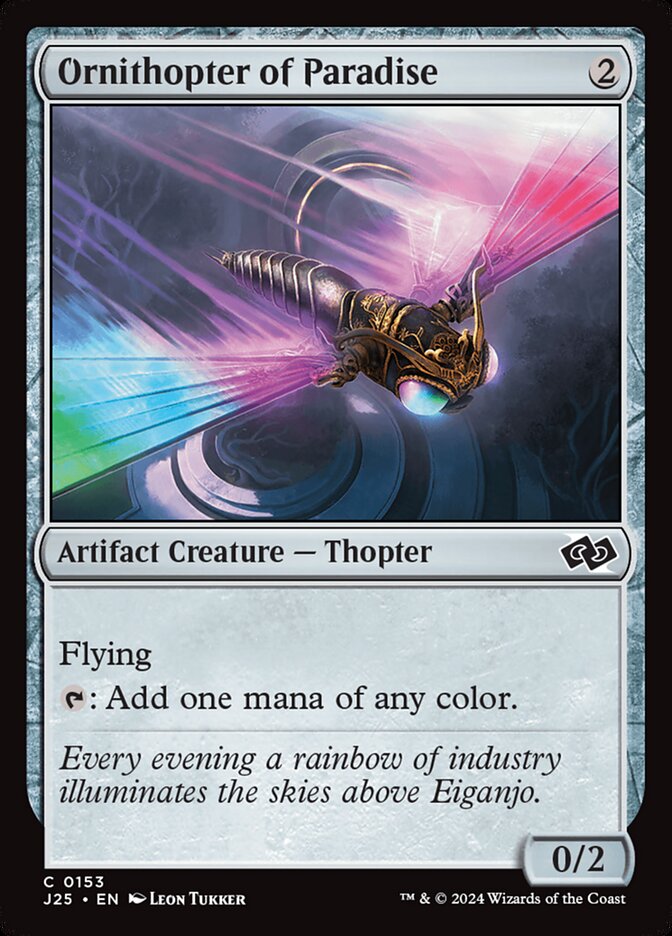 Ornithopter of Paradise
 provides the necessary mana acceleration to cast Walking Sarcophagus on turn two. While the Ornithopter flies over for early chip damage on your turn, it triggers the speed increase, helping the Sarcophagus reach its +1/+2 power and toughness bonus faster.
If you cast Walking Sarcophagus while your speed is 0, the 'Start your engines!' ability sets your speed to 1 immediately. If you then attack with the Sarcophagus and the opponent doesn't block, the loss of life will trigger the inherent speed ability, moving your speed to 2 at the end of that same turn.
Guide written with AI from the official text and rulings. Official English text prevails.
How it works : Walking Sarcophagus
Original English text — Wizards of the Coast / Scryfall
- #1· Wizards of the Coast
Start your engines! isn’t a triggered ability. Increasing your speed to 1 is something that happens as a state-based action as soon as you control a permanent with the ability. Notably, this includes gaining control of a permanent with the ability that another player controls.
No other card is named in this ruling.
- #2· Wizards of the Coast
Your speed doesn’t change until a spell or ability says so, such as the inherent triggered ability that cares about opponents losing life during your turn. Notably, losing control of permanents with start your engines! doesn’t affect your speed.
No other card is named in this ruling.
- #3· Wizards of the Coast
Each player tracks their speed (or lack thereof) separately. Increasing your speed has no effect on whether another player has speed.
No other card is named in this ruling.
- #4· Wizards of the Coast
If an effect needs to know what a player’s speed is and that player doesn’t have a speed, their speed is considered 0.
No other card is named in this ruling.
- #5· Wizards of the Coast
A player “has max speed” if their speed is 4.
No other card is named in this ruling.
- #6· Wizards of the Coast
“Max speed — [ability]” means “As long as you have max speed, this object has [ability].” If the granted ability functions in a zone other than the battlefield, the max speed ability does too.
No other card is named in this ruling.
Related cards and tokens
Legal formats
Commentaires
- Sois le premier à commenter cette carte.
Read next
Meta decks with Walking Sarcophagus
No archived Top 8 deck with this card yet.